Step 5 of 5
Follow your first test trade
Send a manual test signal on demo, follow its trace and check that the opening and closing instructions behave as expected.
Updated
Before you start
You need a strategy linked to an active rule and a demo account. Review the rule's quantity, stop loss, drawdown limit and account limits before testing. Keep the device online and test while your broker's market for the symbol is open. A manual signal follows the same execution path as an external alert.
- 01
Send a manual test signal
On Home, click Place your first trade in the Finish setup checklist. It opens the manual trigger dialog of your strategy. If your strategy cannot trade yet, the step says why and links to the fix. On the strategy page the same dialog is under Trade → Trigger buy. Check the values, then confirm. A toast appears with View trace.
- 02
Read the execution trace
Open View trace to follow the recorded events from signal receipt through rule matching, dispatch and the broker's result. A received signal is not proof that a trade opened. Check the final outcome and the account before sending another signal.
If the trade did not open, inspect the failing event. It may show an offline device, invalid stop loss or take profit distance, missing saved credentials, or a broker rejection.
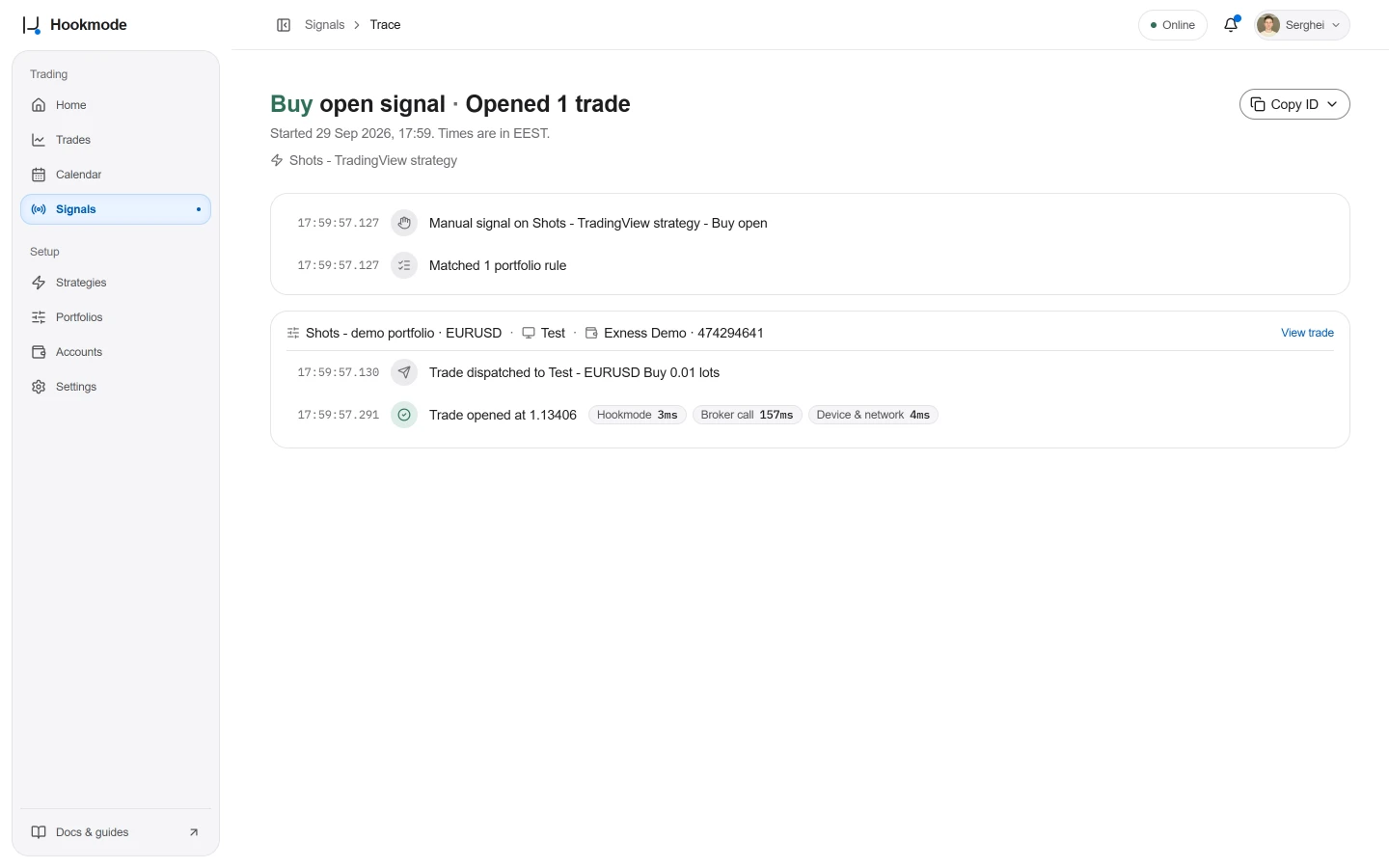
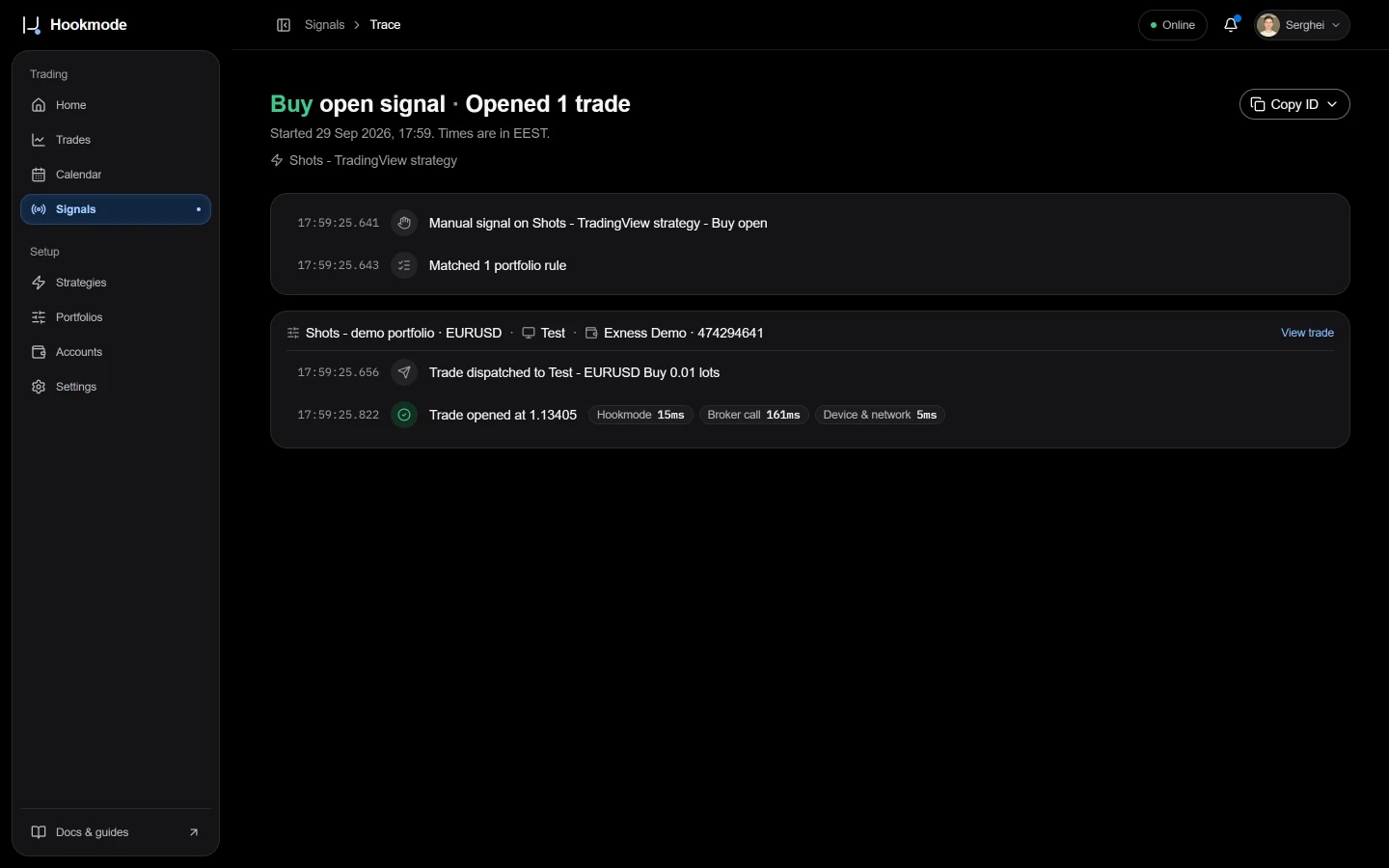
The trace of a filled test trade. - 03
Close the test trade
On the strategy page, use Trade → Close buy trades. Check the closing result in the trace and confirm the position is closed on the account. This action closes the buy trades opened by that strategy across its matching rules.
- 04
Review the guardrails
On the account page, open Daily loss limit and turn on Use a daily loss limit. Set the value for your account. The day resets at midnight in your broker's server time, read from your terminal.
On the same page, Max risk per trade limits what one trade may risk at its stop loss. Choose whether a trade above it is rejected or reduced to fit.
Review the rule's drawdown limit and max open positions. A drawdown breach blocks new trades for that rule until you reset it. Check why the limit was reached before resetting it. These controls do not guarantee a maximum loss or compliance with a prop firm's rules.
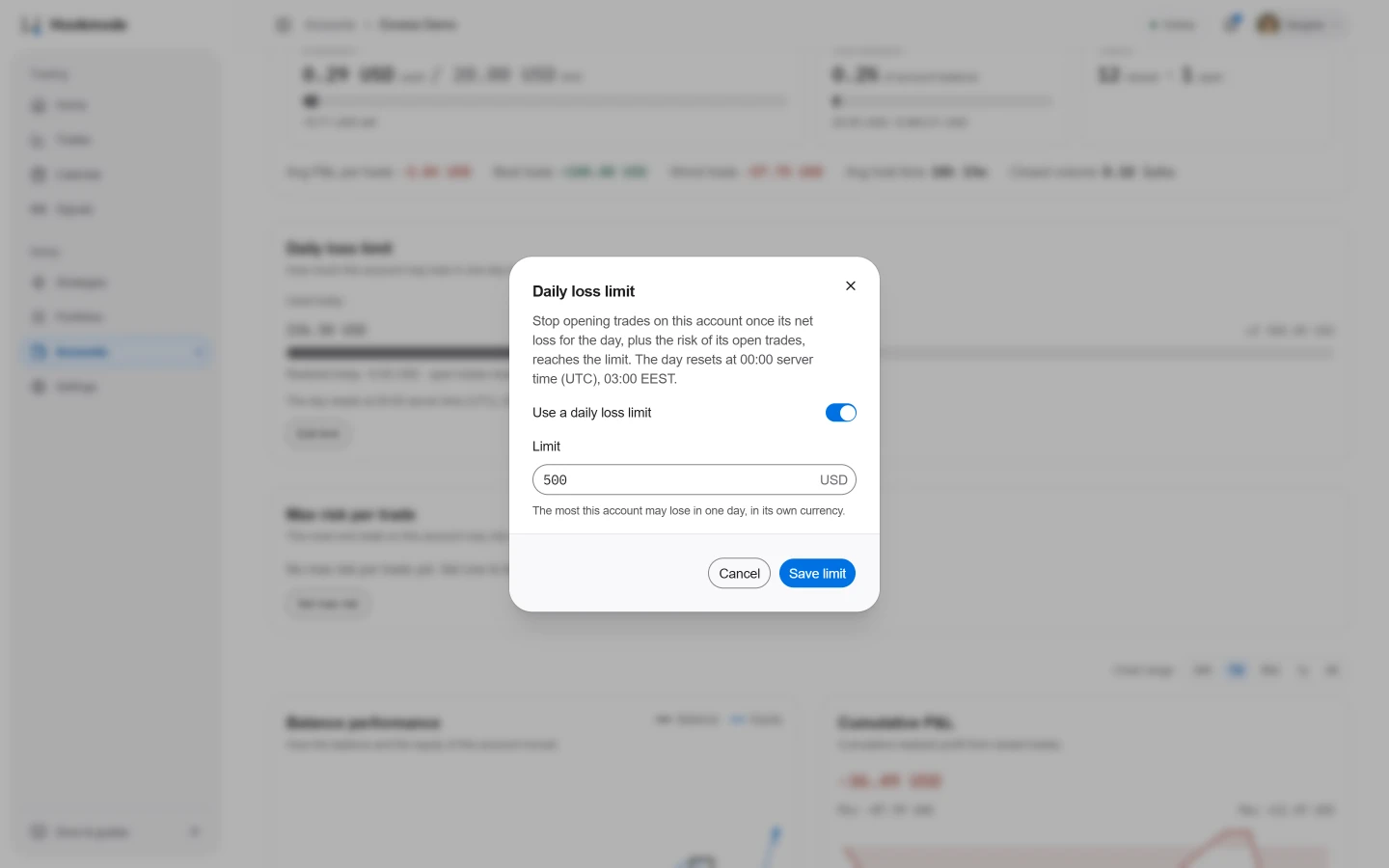
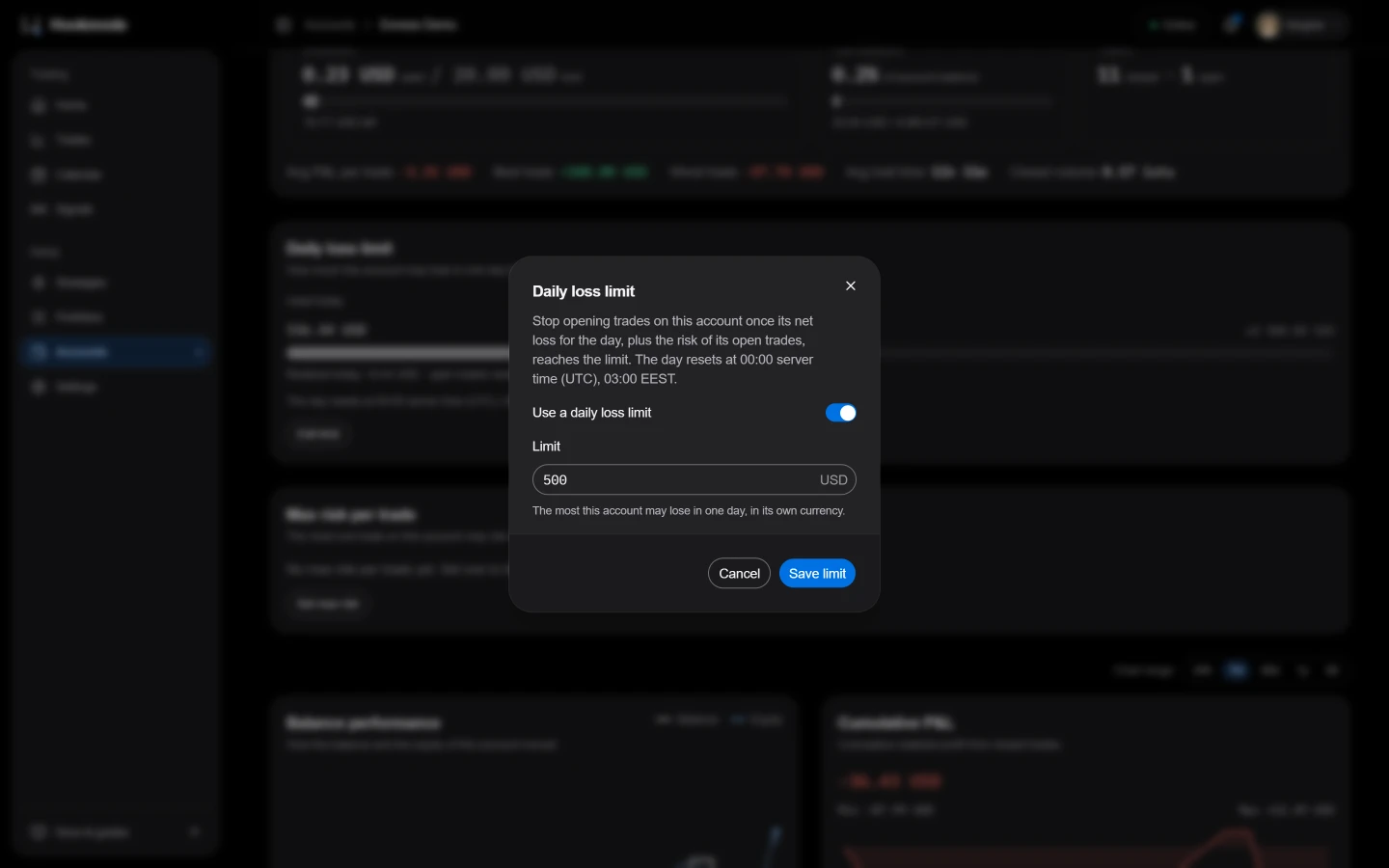
The Daily loss limit dialog on the account page. - 05
Connect Telegram notifications
Last, the phone. In Settings → Telegram click Connect Telegram. A code appears, valid for 10 minutes. Open the t.me link, or send /connect <code> to the bot. Nine notification switches, all on by default; the weekly summary arrives Monday 08:00 in your workspace time zone.
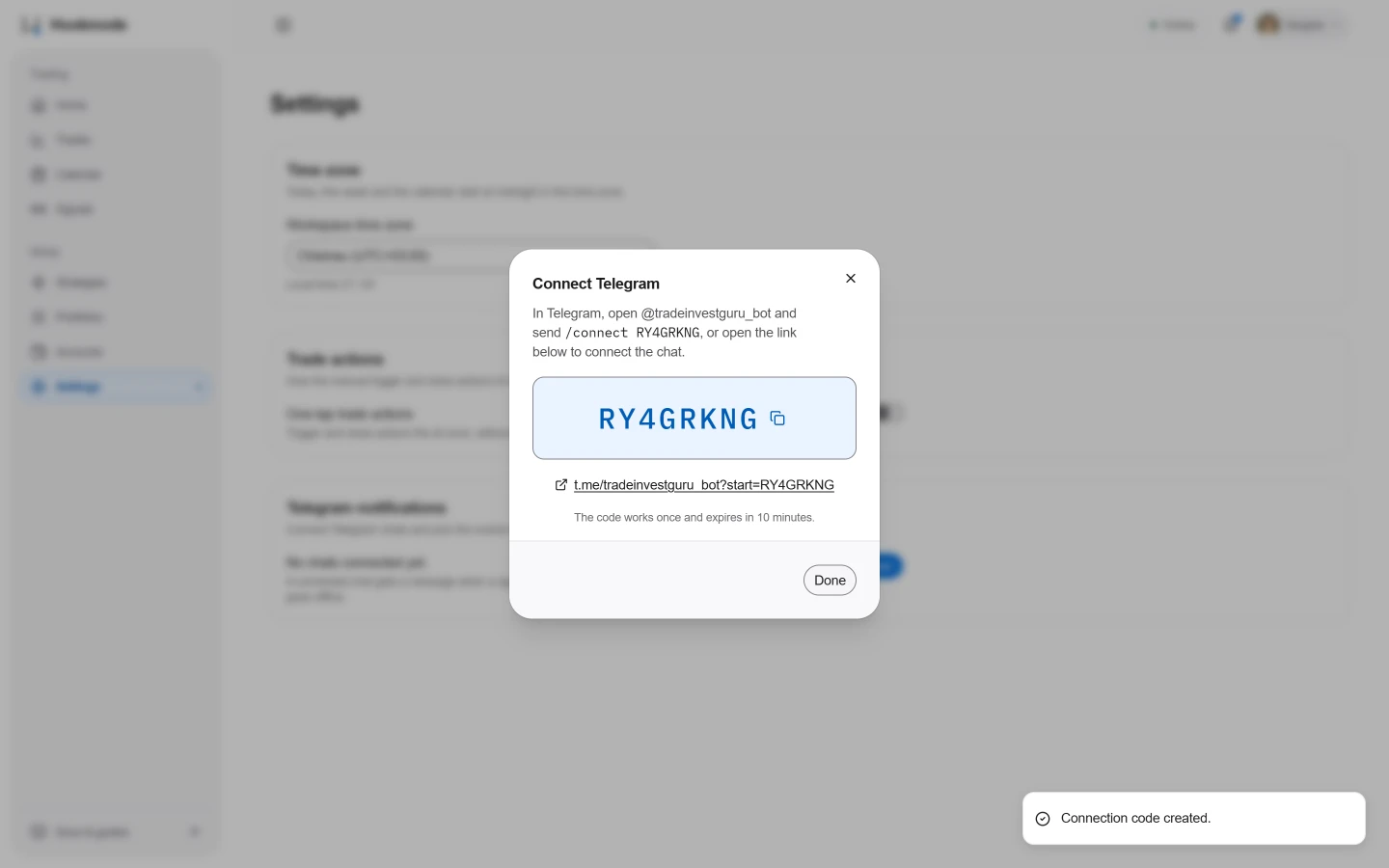
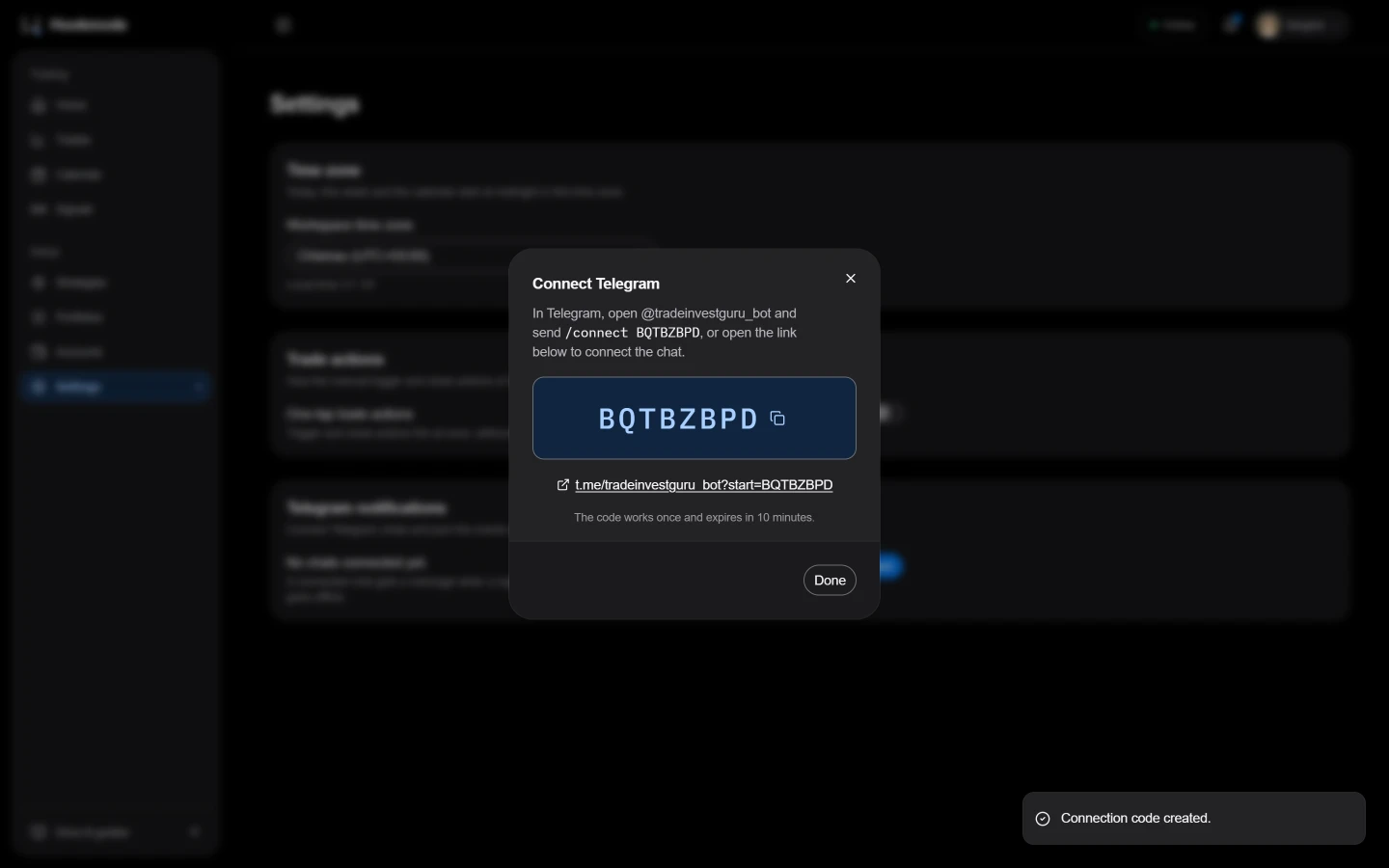
Settings → Telegram → Connect Telegram.
If something goes wrong
- No Trade menu on the strategy
- The strategy is paused, or no side has Allow manual triggering turned on. New strategies have it on. Resume the strategy, or edit it and turn the switch on.
- matchedCount: 0
- The warning means no enabled rule matches that strategy and side.
- Dispatch failed - the device is offline
- Check that the device is awake, connected to the internet and running the Hookmode desktop app. Review the power settings from step 2.