Step 1 of 5
Create your account
Create your account and open your Hookmode workspace.
Updated
Before you start
You need an email address.
- 01
Create your account
Go to app.hookmode.com and choose Sign up. Enter your email and choose a password, then confirm your email address when Clerk, our sign-in provider, asks for it.
- 02
Find your setup checklist
The first screen is Home. The navigation shows Home, Trades, Calendar and Signals under Trading, then Strategies, Portfolios, Accounts and Settings under Setup. Devices is a tab on the Accounts page. The Finish setup checklist on the page walks the same path as this guide: pair a device, add a trading account, create a strategy, create a portfolio with a rule, place the first trade. The link of each step opens the page or dialog where you do it.
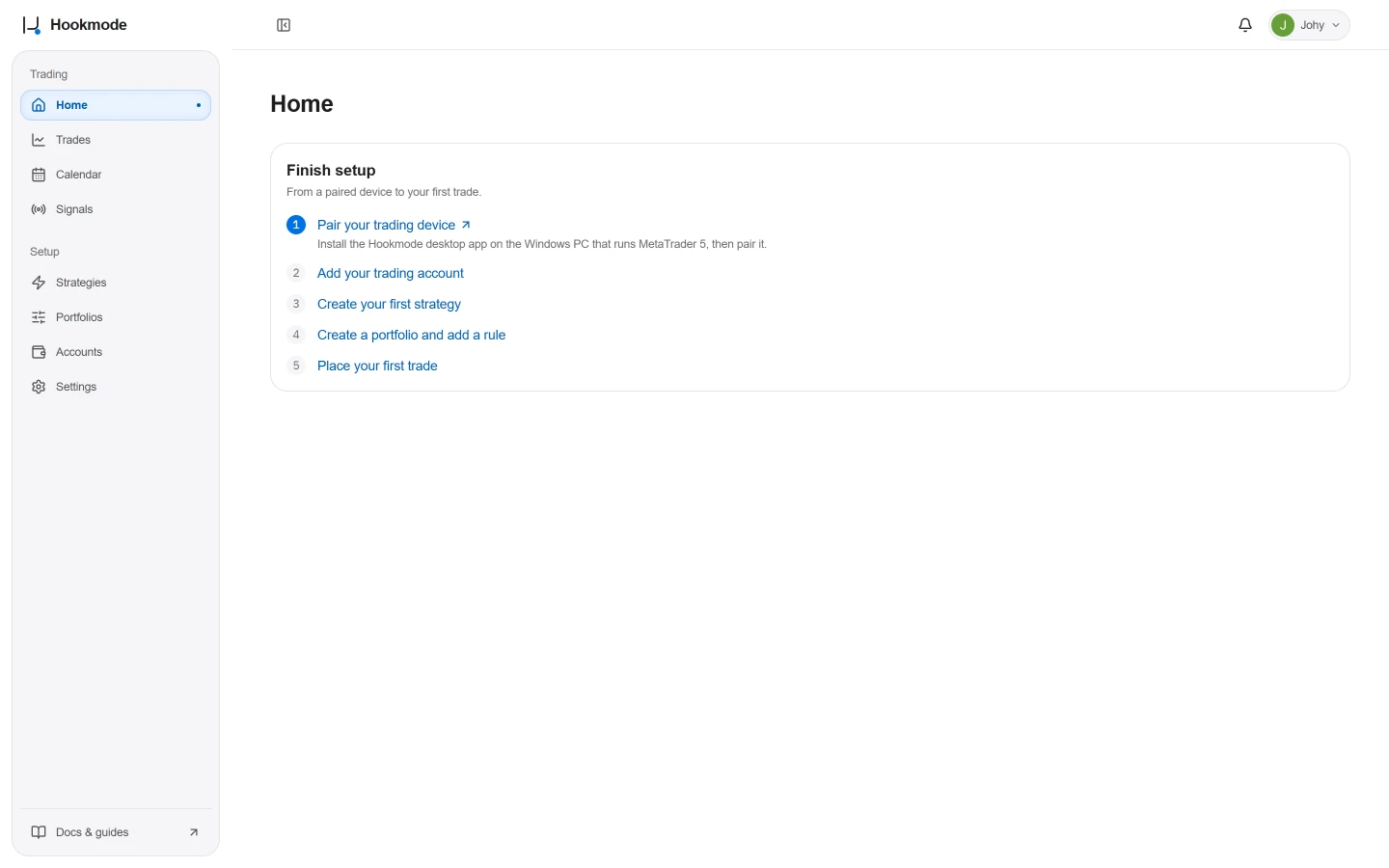
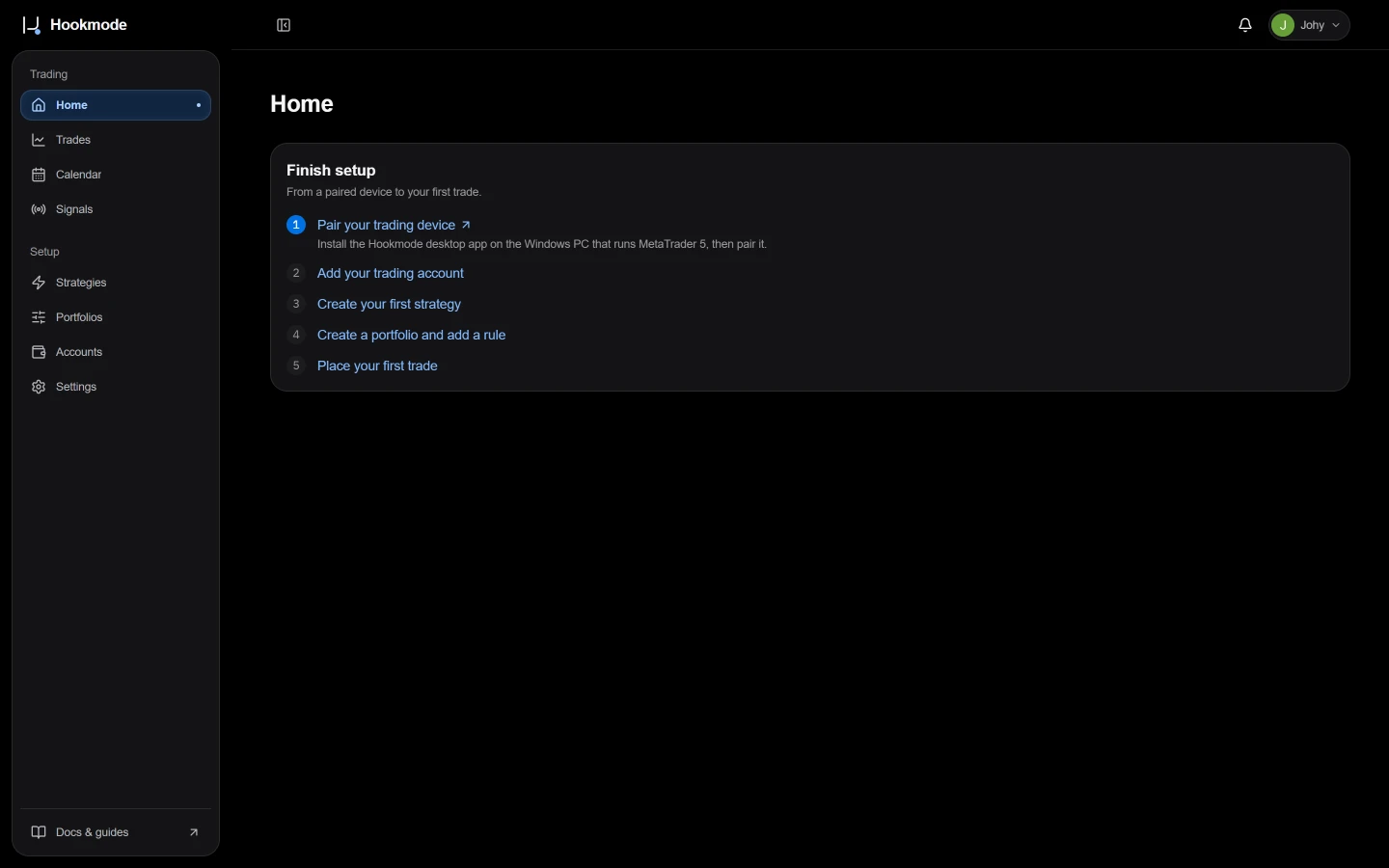
The Home page after the first sign-in, with the Finish setup checklist. - 03
Continue with your Windows device
Every user gets one workspace. There is nothing to configure here. Continue with the desktop app.
If something goes wrong
- The confirmation email did not arrive
- Check the spam folder, then ask for a new one on the same screen.